How to Do a Gentle Digital Detox and Actually Unplug
In this article
A digital detox doesn't have to mean throwing your phone in a drawer for a week. The version that actually sticks is gentle: you cut back on the screen time that drains you, keep the bits that genuinely help, and swap mindless scrolling for something more restful. Here's how to unplug in a realistic way that leaves you calmer rather than cut off.
What a gentle digital detox really means
The phrase "digital detox" can sound extreme, like a full tech blackout. For most people, that's neither necessary nor sustainable. A gentle detox is about intention, not deprivation: noticing which screen habits leave you tired or anxious, and dialling those down while keeping the ones you value.
The aim isn't to hate your phone. It's to use it on purpose rather than on autopilot, so technology serves your evening instead of swallowing it. Many people find that even small changes make them feel noticeably more present and less frazzled.
Signs you might need to unplug a little
You don't need a reason, but these are common nudges:
- You reach for your phone the moment there's a spare second.
- You open an app, forget why, and close it, then open it again.
- Scrolling leaves you feeling flat, wired or vaguely anxious.
- You check work messages long after hours.
- You feel like you "lost" an evening to screens without enjoying it.
If a few of those ring true, a gentle reset can help.
How to do a digital detox that sticks
Big dramatic bans tend to snap back. Small, kind changes last.
Start with one screen-free window
Pick a single pocket of the day to go screen-free: the first thirty minutes after waking, meals, or the last hour before bed. One window is easy to keep and quickly shows you how a little space feels.
Tame your notifications
You don't have to delete anything to feel the benefit. Turning off non-essential notifications means your phone stops pulling at you all day, so you check it because you choose to, not because it buzzed.
Make scrolling less automatic
Move distracting apps off your home screen, tuck them into a folder, or log out so there's a tiny speed bump before you open them. That small pause is often enough to break the reflex.
Set a wind-down cut-off
Bright screens and busy feeds late at night make it harder to switch off. Try dimming your screens and putting the phone aside about an hour before bed. For a fuller approach to healthy phone use, our guide to healthier screen time goes deeper.
Swap the scroll, don't just ban it
Here's the part people miss: if you only remove scrolling, you leave a gap, and old habits rush back to fill it. The trick is to replace the scroll with something that actually rests you.
Reach for offline calm
Keep a short list of go-to alternatives ready: a few pages of a book, a short walk, a stretch, a cup of tea, a chat with someone at home. When the urge to scroll hits, you've got somewhere better to put it.
Trade doomscrolling for a calm game
It might sound odd during a digital detox, but not all phone time is equal. Twenty minutes of anxious feed-scrolling and twenty minutes of a gentle, finite game feel completely different. A cozy puzzle has a clear beginning and end, a calm pace, and nothing designed to keep you doom-refreshing.
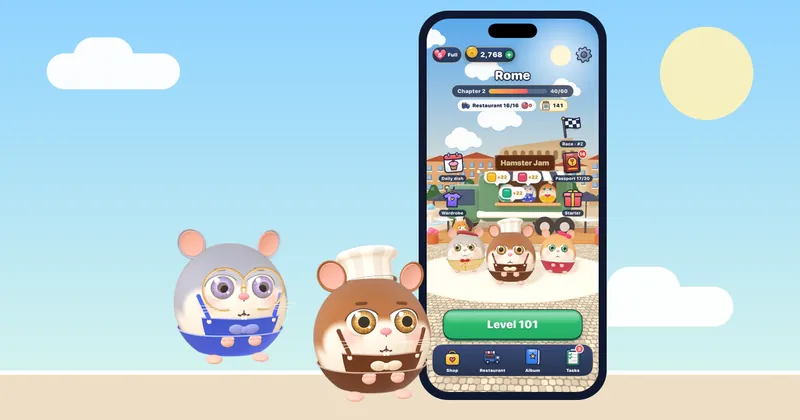
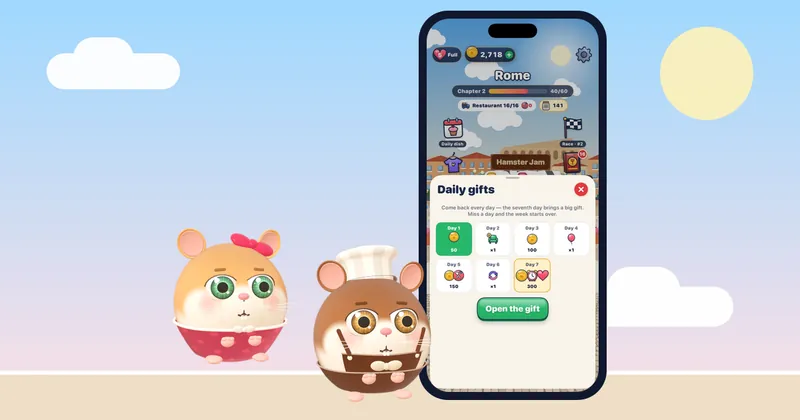
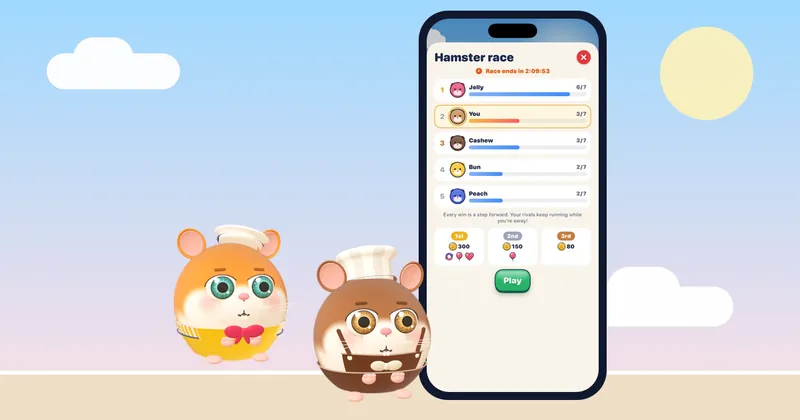
Hamster Jam, a free food sort puzzle for iPhone, is an easy swap. The hamster gang is hungry and the street is jammed, so you tap a hamster whose path is clear and it hops to its favourite dish, keeping the waiting bench from overflowing. There are no timers on your fun, every level is hand-checked and solvable, and it works offline, so you can even play it with the connection switched off, no feeds, no notifications. Finish a level or two and set it down. You can try a free mini level right in your browser, and our guide on playing a calm game instead of doomscrolling explores the idea further.
Make your unplugged time count
A detox feels worth it when the freed-up time goes somewhere good.
- Reconnect with people around you. A screen-free meal or a proper conversation does a lot.
- Do one thing with your hands. Cooking, tidying, drawing, gardening. Hands-busy, mind-free.
- Get outside. Daylight and a change of scene reset many people faster than any app.
- Rest properly. Sometimes the best use of unplugged time is simply doing nothing at all.
For broader ideas on winding down away from screens, our guide on how to relax after a long day is a good companion.
A simple one-day gentle detox
Want to try it this weekend? Keep it light:
- Morning: no phone for the first thirty minutes. Have your coffee screen-free.
- Midday: turn off non-essential notifications for the day.
- Afternoon: do one offline activity you enjoy, phone in another room.
- Evening: set a one-hour pre-bed cut-off; swap scrolling for a book or a cozy offline game.
Notice how you feel at the end of the day. Most people don't miss the scroll nearly as much as they expected.
A gentle note
For many people, cutting back on mindless screen time simply feels good and more restful. But if you find that scrolling is tied to persistent anxiety, low mood or sleep that won't settle, it's worth talking to a doctor or a mental health professional. A digital detox is a helpful habit, not a substitute for real support when you need it.
Start small, swap rather than ban, and keep what you love. A gentle digital detox isn't about using your phone less for its own sake, it's about getting more of your attention back.
Questions
What is a digital detox?
A digital detox is a deliberate break from screen habits that drain you, like mindless scrolling and constant notifications. A gentle version doesn't mean going offline completely; it means using your devices on purpose, keeping what helps and cutting what leaves you tired or anxious.
How do I start a digital detox without quitting cold turkey?
Begin with one screen-free window a day, turn off non-essential notifications, and make distracting apps a little harder to open. Small, kind changes tend to last far longer than dramatic bans, and they're enough for most people to feel calmer.
Can playing games be part of a digital detox?
It can, as long as the game rests you rather than hooks you. A cozy, finite puzzle with no timers and an offline mode is very different from an endless feed. Swapping anxious scrolling for a short, calm game is one gentle way to unplug from the parts that drain you.
Why does scrolling leave me feeling worse?
Endless feeds are designed to keep you going, with no natural stopping point, so you can scroll long past the point of enjoyment and end up wired or flat. Replacing that with activities that have a clear end, offline or otherwise, often helps you feel more rested.